







In today's world, everyone uses phones and tablets. Mobile apps have become a must-have for anything, be it for fun or for work. These apps handle a lot of private info, like bank details, shopping history or social media stuff.
Because we depend so much on apps, security problems are a thing. Cybercriminals see apps as easy targets. Scanning apps for security issues is like having a first line of defense. It's a way to automatically find and fix weak spots, keeping user data safe.


What Is Mobile Security Scanning?

Mobile security scanning is an automatic way to check apps for known security problems. Unlike hiring someone to manually test, security scanning tools use rules and tests to quickly find common flaws. They look for things like bad coding, exposed data, weak protection, wrong settings, and failure to meet security rules. It's a fast way to see how safe an app is.
Mobile security scanning usually checks everything about how an app is made and how it acts. This involves looking at the app's code (like APK for Android or IPA for iOS) to find problems without running the app. It also means running the app in a safe place to watch what it does, like how it connects to the internet or uses the phone's system, to find problems that appear when the app is running. The aim is to find as many weak spots as possible using automated tools, giving developers a basic idea of how secure the app is.
Mobile security scanning is a key part of keeping apps safe. It's like an early warning system, helping developers fix problems early on. By automatically finding known threats, companies can make their development process faster and safer. They can also focus manual testing on more complex problems that automated tools might miss.
Key Aspects of Mobile Security Scanning
Mobile security scanning tools need to be automatic and scalable. Unlike doing things by hand, these tools can quickly check lots of code and apps. This makes them great for adding to development processes, so security checks happen often. This way, new problems are found as soon as they appear, without slowing things down.
These tools need to cover a lot of different security issues. Mobile security scanners are made to find common problems in apps, like unsafe data storage, bad encryption, risky internet connections, passwords in the code, and too many permissions. They often check if the app follows industry rules like OWASP Mobile Top 10 and other legal requirements. This wide coverage makes sure many known risks are taken care of.
It's important that the scanning tool fits into the way developers work. Modern scanners connect with the tools developers use every day. This lets developers get instant feedback on security problems as they code, so they can fix things early on. This approach makes app development safe and efficient.
Why Is Mobile Security Scanning Important?
In today's world, mobile security scanning is super important. Since almost everyone uses mobile devices, and so many apps do everything from chatting with friends to running businesses, apps are a big target for cybercriminals. Without strong security, companies risk losing user data, money info, and ideas to bad guys. This can lead to big data leaks and damage to a company's reputation.
Apps are updated all the time, which means new security problems can pop up often. Manual security checks can't keep up. Mobile security scanning offers a way to automatically and constantly find these new problems. This lets developers fix these flaws before the app goes live. This constant security check is key to staying safe in the ever-changing mobile world.
Besides fixing immediate risks, mobile security scanning also helps companies follow rules and keep customers happy. Rules like GDPR, HIPAA, and CCPA require strong security for apps that handle private data. Regular scans show that a company is serious about these rules, which helps avoid fines and legal issues. By fixing security issues early, companies earn user trust, which is needed to succeed in the app market.
How Does Mobile Security Scanning Work?
Mobile security scanning works by checking, finding, and reporting problems in a step-by-step way. First, the tool checks the app's code. For static testing (SAST), the scanner looks at the app's code without running it. It searches for patterns and mistakes that could lead to security problems, like unsafe code or weak data protection. This is done by reading the code and figuring out how data moves around to spot issues.
After static analysis, or at the same time, dynamic analysis (DAST) might be used. In DAST, the app is run in a safe setting. The scanner watches what it does, like how it connects to the internet. It might fake different user actions to find problems that only show up when the app is running, like unsafe internet connections or flaws in how the app manages user sessions. This helps see how the app acts in different situations.
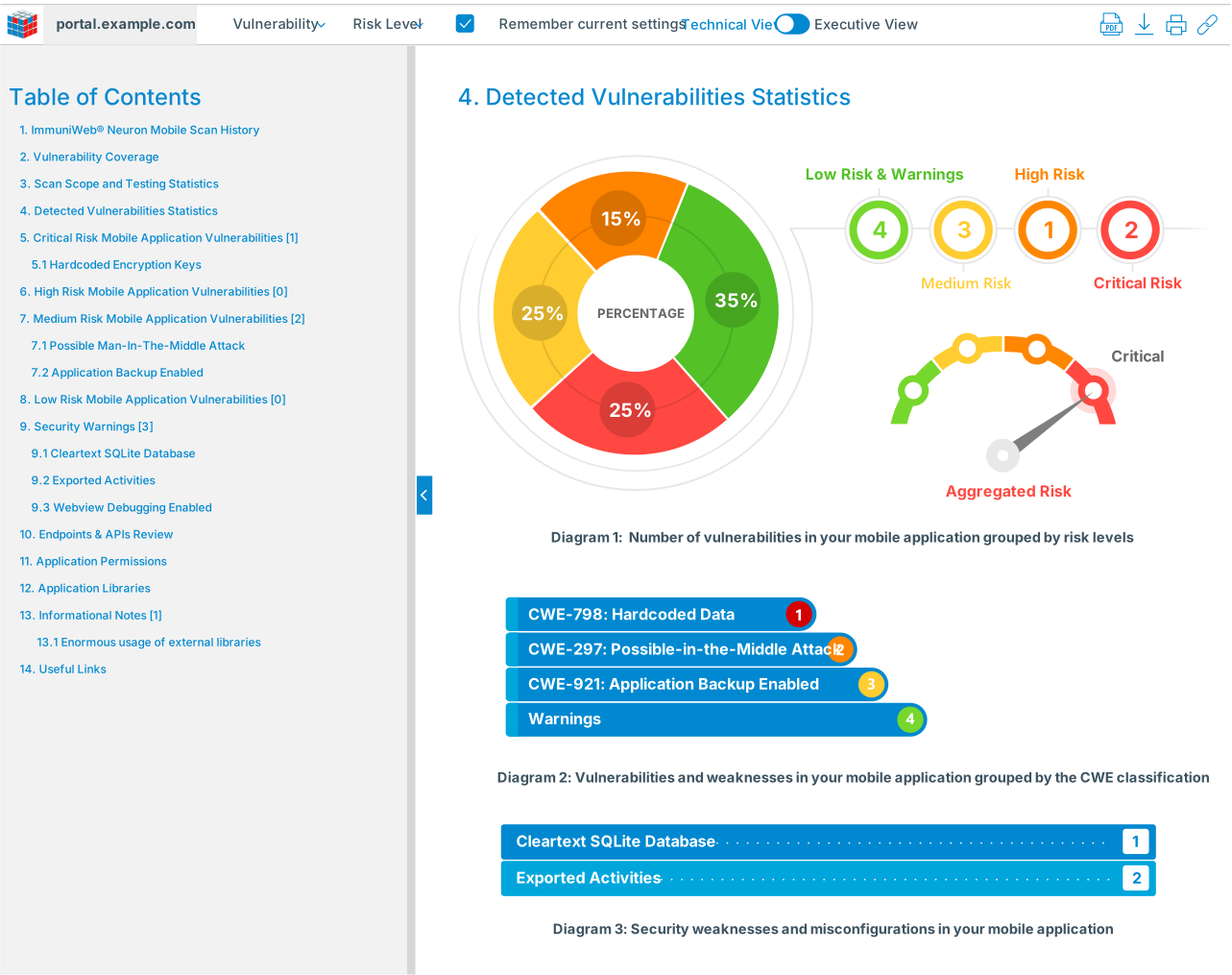
Once problems are found, the tool makes a report. This report lists the problems, how serious they are, and where they are in the code. Many advanced scanners also suggest ways to fix the problems. This automation offers quick feedback and fits into the way developers work.
Types of Mobile Security Scanning
Mobile security scanning can be grouped into a few types, each with its own method. The main types are Static Application Security Testing (SAST) and Dynamic Application Security Testing (DAST).
Static Application Security Testing (SAST) means checking the app's code without running it. SAST tools read the code and look for known security problems, bad coding habits, and possible design flaws. They're good at finding many issues early on, like code injection, script issues, passwords in the code, and unsafe data storage. Because SAST looks at the code itself, it can spot problems before the app is even working, so it's great for adding to development processes for early security checks.
Dynamic Application Security Testing (DAST), on the other hand, means running the app in a safe place and watching how it acts. DAST tools play with the app, faking user actions, to find problems that show up when the app is running. This includes things like unsafe internet connections, login problems, session issues, and setting mistakes. DAST is good at finding problems that SAST might miss, especially those related to how the app connects to other systems.
While SAST and DAST are the main types, there are other related ways to scan. Interactive Application Security Testing (IAST) mixes SAST and DAST by checking the app from inside as it runs, giving more info about the issues. Software Composition Analysis (SCA) focuses on finding known problems in third-party code used in the app. Each type has its strengths, and a good security plan often uses a mix of these methods for full coverage.
Components of Mobile Security Scanning
Mobile security scanning uses a few major parts that work together to fully check security. The main part is the analysis engine. This is what processes the code and uses rules to find problems. The analysis engine uses methods to find data flow and spot where sensitive data might be exposed.
Another key part is the vulnerability database. This is a collection of known security problems. The analysis engine matches what it finds against this database to name and report the issues correctly. This database needs to be updated often to make sure the scanner stays good at finding new threats.
The reporting part is also vital. This part makes reports that list the problems and how serious they are. Modern scanners also connect with development tools to give developers access to the findings.
Benefits of Mobile Security Scanning
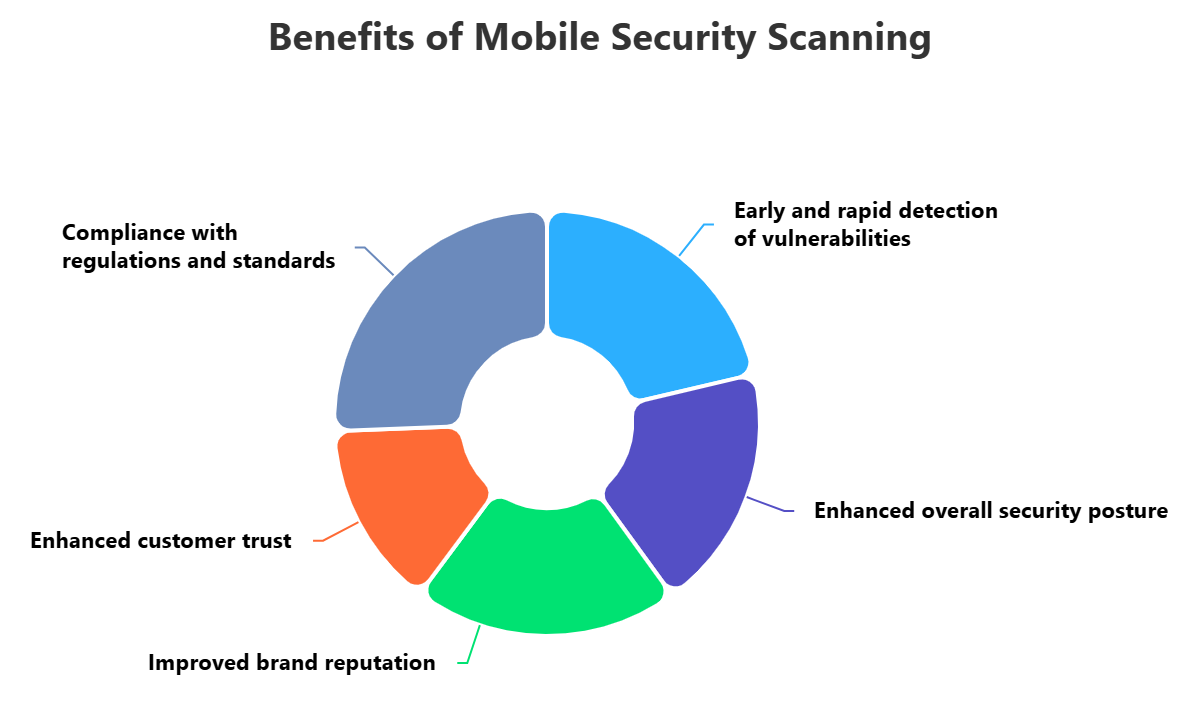
Mobile security scanning has many good points for companies that make and use mobile apps. A big one is finding problems early in the development process. By automating security checks, scanning tools can find common weak spots much faster than manual methods. Fixing problems early is cheaper than fixing them later, which makes the whole development process faster.
Mobile security scanning also makes apps safer by spotting a wide range of known problems. This makes sure that common security flaws aren't missed, which lowers the chance of attacks. Regular scanning builds up security, letting companies feel more confident in their apps.
Besides making things safer, scanning also helps companies follow the rules and keep their brand strong. Many rules say that security checks are needed. Automated scanning shows that a company is doing its part to follow these rules, which helps avoid penalties.
Challenges of Mobile Security Scanning
Even though it has lots of good things, mobile security scanning has some problems that companies need to handle. One big problem is false alarms. Automated scanners can sometimes mark good code as a problem or miss a real problem. False alarms can waste developers' time, while missed problems can leave apps open to attack.
Mobile apps work on different platforms, devices, and system versions, each with its own quirks and possible problems. The fast changes in mobile tech also make scanning harder.
Automated mobile security scanning can't understand the special business logic of an app. Scanners are good at finding common problems, but they often miss complex design flaws.
Best Practices for Mobile Security Scanning
To get the most out of mobile security scanning, companies should follow some key steps. First, add scanning early into how apps are, made. This means running automated security scans at every step, from coding to building the app. By finding problems as soon as they're made, companies can fix them early, before they become big issues.
Also, use different types of scanning to get complete coverage. Just using one type of scan will leave holes in the security check. A good plan should use SAST, DAST, and maybe SCA for third-party code.
Prioritize findings and keep improving the scanning process. Not all problems are the same. Companies should fix the most serious ones first. Also, review scanner settings often to lower false alarms and get better results.
How ImmuniWeb Can Help with Mobile Security Scanning?
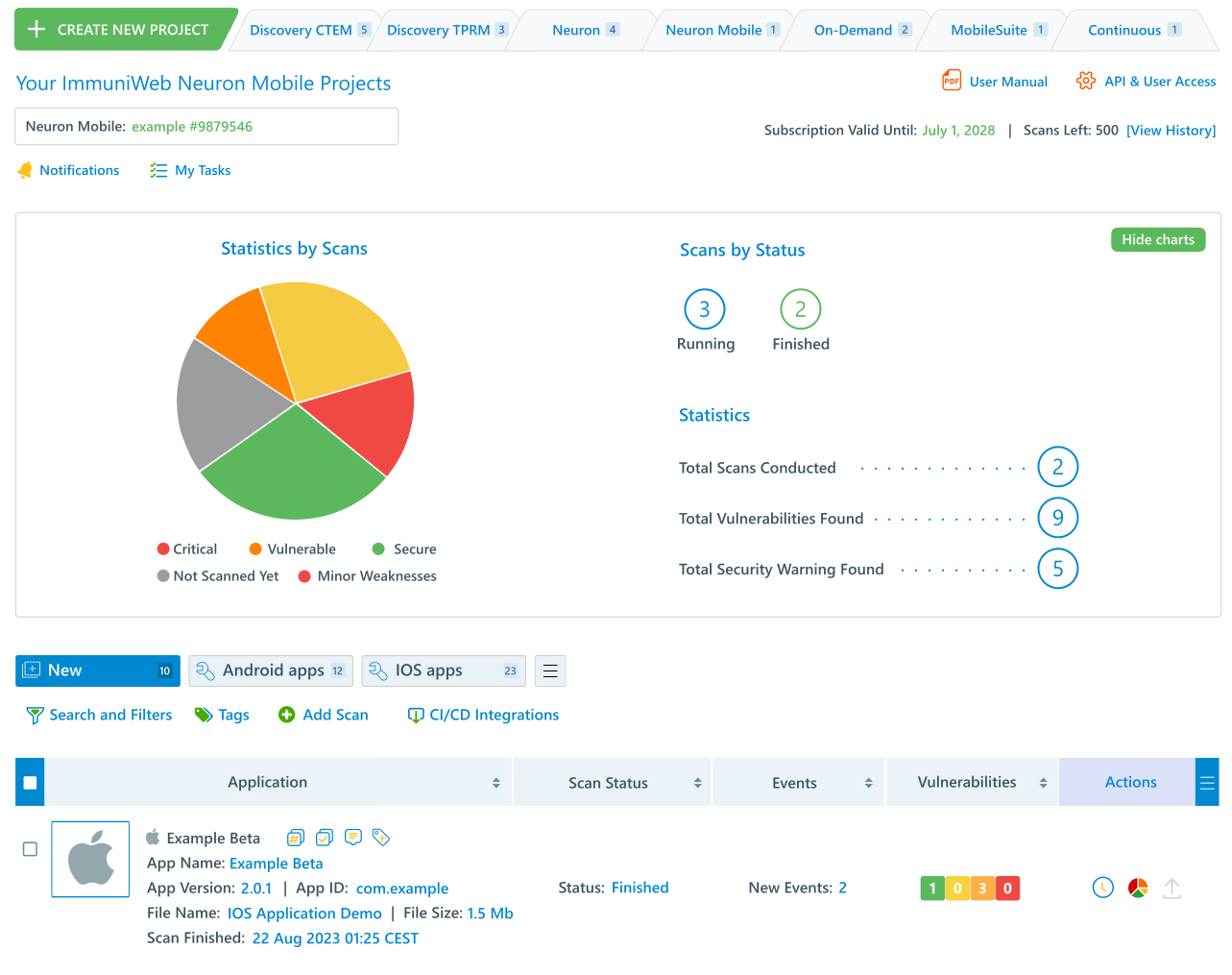
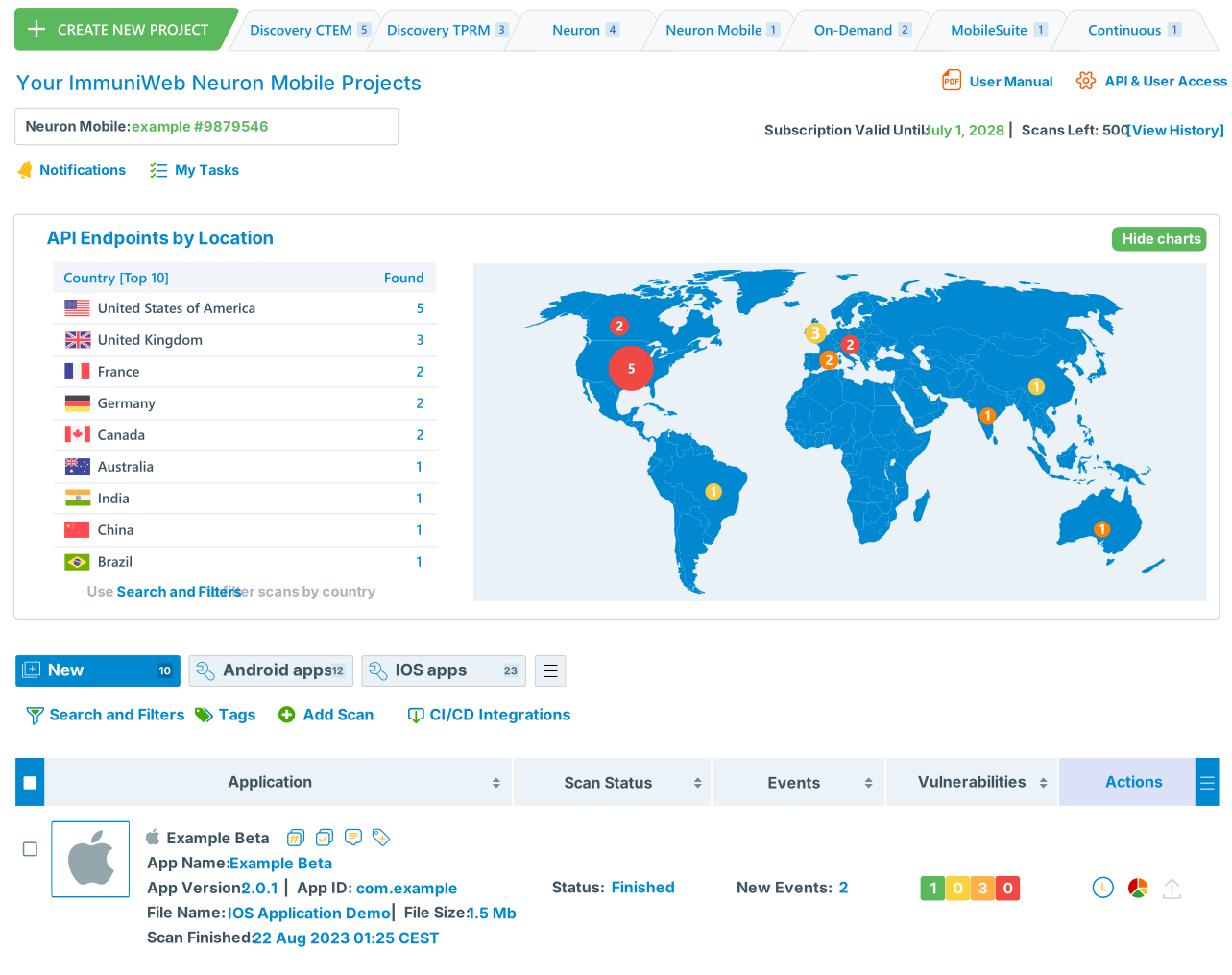
Detect OWASP Mobile Top 10 weaknesses in your iOS and Android mobile apps with ImmuniWeb® Neuron Mobile security scanning. The mobile security scanning offering provides a comprehensive and rapid detection of mobile app vulnerabilities and weaknesses, offering a contractual zero false positives SLA for each mobile security scan. In addition to mobile security audit, you will get an overview of your mobile privacy, compliance and encryption issues including a comprehensive inventory of the mobile app’s backend endpoints and APIs.
Automated SAST, DAST and SCA mobile security scanning can be launched instantly after uploading your .ipa or .apk file to detect OWASP Mobile Top 10 vulnerabilities and weaknesses in a simple, fast and reliable manner. Scan results are usually available within minutes depending on the application size and complexity. On top of the mobile vulnerability scanning, we will also inspect excessive or dangerous mobile app permissions, missing or weak encryption, and suspicious external communications of the mobile app. Additionally, a broad spectrum of privacy, compliance and encryption checks will be conducted to ensure that your mobile ecosystem conforms to regulatory requirements such as GDPR.
Enhancing the value of our advanced mobile security scanning features, our security analysts and mobile security experts are available 24/7 to answer your questions about the findings or remediations. ImmuniWeb Neuron Mobile pricing model is simple and flexible, is based on the number of your mobile apps and the annual number of scans, making our pricing one of the most competitive one on the global market.
Disclaimer
The above-mentioned text does not constitute legal or investment advice and is provided “as is” without any warranty of any kind. We recommend talking to ImmuniWeb experts to get a better understanding of the subject matter.


















 API Penetration
 API Security
 Application Penetration
 Application Security
 Attack Surface
 Automated Penetration
 Cloud Penetration
 Cloud Security
 Continuous Automated
 Continuous Breach and
 Continuous Penetration
 Continuous Threat
 Cyber Threat
 Data Security Posture
 Dark Web
 Mobile Penetration
 Mobile Security
 Network Security
 Penetration
 Phishing Websites
 Third-Party Risk
 Threat-Led
 Web Penetration
 Web Security